
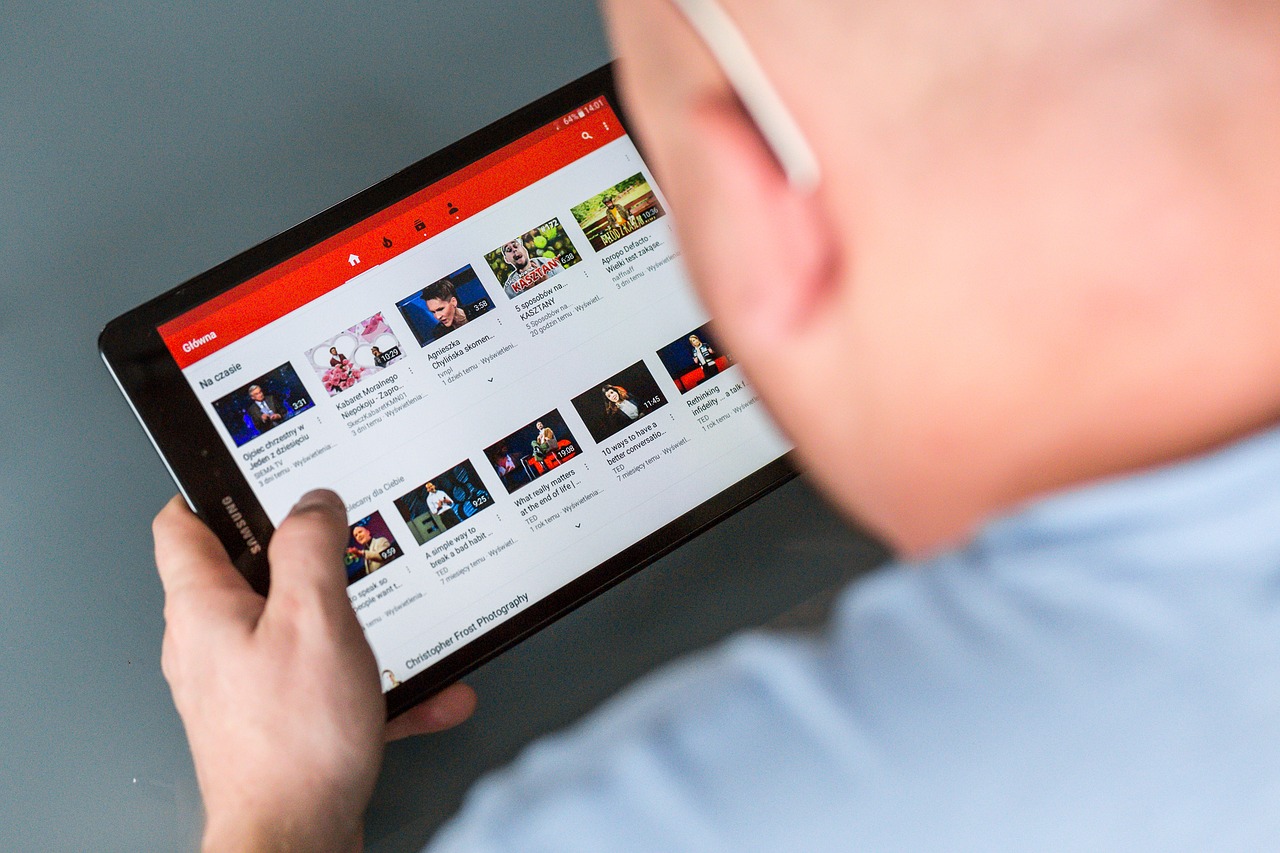
Want to cancel or stop your Youtube premium subscription? Well here is the guide to tell you that How to Cancel Youtube Premium subscription easily. Youtube offers ad-free streaming and other exclusive content for those who have a subscription to Youtube Premium. It usually costs around $12 per month. You can also avail discount by using YOUTUBE TV PROMO CODE through couponsfilter.com.If you are looking to end your subscription of Youtube premium, you can do it by using the exclusive link you get through paid membership on a desktop web browser or in the mobile app. As we all know Youtube is one of the most popular social media brands of the modern era. It has millions of users. It provides the platform to almost everyone to be the celebrity or to be the star. It gives you the chance to promote your talent and help others to grow their skills. It is mostly free to use and you can watch thousands of videos regarding different walks of life. You can also create a channel of your own without spending a dollar. It is also a great teacher, as you can learn a lot of things through the youtube tutorials. Including cooking, music, trading, languages, and whatnot! It is available in almost every part of the world and people from around the globe use this platform to spread awareness about their lives, cultures, customs, traditions, and etc. However, if you bully someone or post any inappropriate content it will be banned from the website. You can also put privacy to keep your child away from any adult videos. You can use a safety mode to keep violent or unhygienic content away from yourself.
YouTube Premium!

YouTube Premium (formerly known as YouTube Red) is a YouTube premium program that provides ad-free copies of all the videos on the web, along with unique and exclusive content and other several perks such as mobile offline download. On the off chance that you’ve attempted YouTube Premium, however, need to drop your membership; you can do it with only a couple of snaps or taps. By and large, you can drop YouTube Premium from the site or the YouTube versatile application. The main special case is if you bought in using iTunes – you’ll have to withdraw utilizing the App Store application on your iPhone.
Steps To Cancel YouTube Premium Subscription from Browser!

Explaining How to Cancel YouTube Premium? The process of canceling the Youtube premium subscription from the browser is very easy. Firstly, you have to open Youtube in a web browser. Secondly, go to your avatar that would be on the upper right of your screen, and tap the paid membership option. Then you have to tap the option of “manage”. When you will click on the membership, it will open a browser page of your membership where you can tap the cancel the link, and when it asks you to confirm click on yes and that is how you can cancel your premium subscription.
How to Cancel YouTube Premium in the Mobile!

Answer for How to Cancel YouTube Premium? in mobile. The process of canceling the Youtube premium subscription in the mobile phone is quite easy. Firstly, you have to open the Youtube app. Secondly, go to your avatar that would be on the upper right of your screen, and tap the paid membership option. Then you have to tap the option of “manage”. When you will click on the membership, it will open a browser page of your membership where you can tap the cancel the link and that is how you can cancel your premium subscription.
Procedure to Cancel YouTube Premium from the iPhone
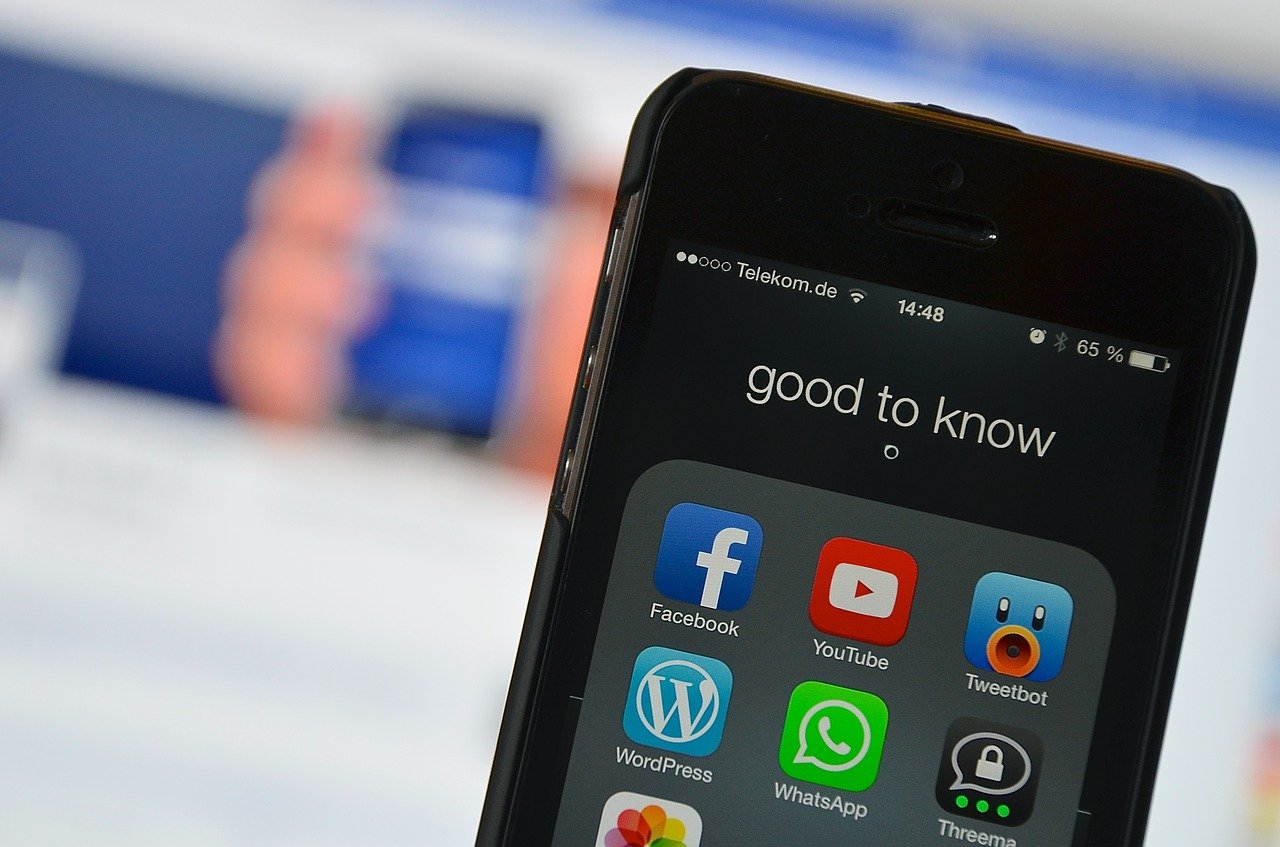
In the event that you initially bought into YouTube Premium by means of iTunes back when the administration was called YouTube Red (you can no longer buy along these lines, so this just applies to few long-lasting YouTube Premium individuals), you have to withdraw utilizing the App Store.
Well, the process is quite simple and similar. Start the youtube app on your iPhone. Go to your avatar in the upper right corner. After doing that you have to tap to manage subscription. So, if you had subscribed through iTunes then you have to click on cancel subscription and you have canceled your subscription just like that.
So, if you are not happy with your red Youtube subscription you can easily unsubscribe without any hassle and problems.
